
by Steve Sorbo | Apr 3, 2026 | Uncategorized
Apple Music subscribers running iOS 26.4 can use the new Playlist Playground feature to create AI-generated playlists tailored to any mood, genre, activity, or era. To try it on your iPhone, open the Music app, tap the Library tab, tap the + button, then tap Create New Playlist. Instead of manually adding songs, tap the search field and enter a natural language description like “songs from a high school dance in the early 1980s” or “positive workout music from after 2010.” Playlist Playground will generate a playlist of songs based on your prompt. You can refine it by giving additional prompts, rearranging songs by dragging the hamburger buttons, or tapping Add Songs at the bottom. When you’re satisfied, tap the checkmark button at the top right to keep the playlist. Playlist Playground requires Sync Library to be enabled in Settings > Apps > Music, and the feature is currently available only in the U.S. and in English.

(Featured image by iStock.com/demaerre)
Social Media: Apple Music’s new Playlist Playground in iOS 26.4 uses AI to create custom playlists based on any mood, genre, or activity you describe. Just type what you’re in the mood for and let the app do the rest.

by Steve Sorbo | Jan 2, 2026 | Uncategorized
A new feature for Apple Music subscribers in the Music app in iOS 26, iPadOS 26, and macOS 26 is AutoMix, which Apple says causes songs to “transition at the perfect moment, based on analysis of the key and tempo of the music.” It fades between songs as a DJ would, but it’s not always successful. If AutoMix’s transitions aren’t to your taste, navigate to Settings > Apps > Music > Song Transitions in iOS and iPadOS, or Music > Settings > Playback > Song Transitions in macOS, and switch back to the longstanding Crossfade option, which transitions between songs over a user‑specified number of seconds. Or, just turn off the Song Transitions switch and let one song end completely before the next one starts.

(Featured image by iStock.com/lakshmiprasad S)
Social Media: Apple’s new DJ‑style AutoMix transitions between songs in the Music app aren’t to everyone’s taste (and sometimes flub the jump). Here’s how to switch back to a timed Crossfade or disable transitions in Music on your iPhone, iPad, and Mac.
by Steve Sorbo | Sep 5, 2025 | Uncategorized
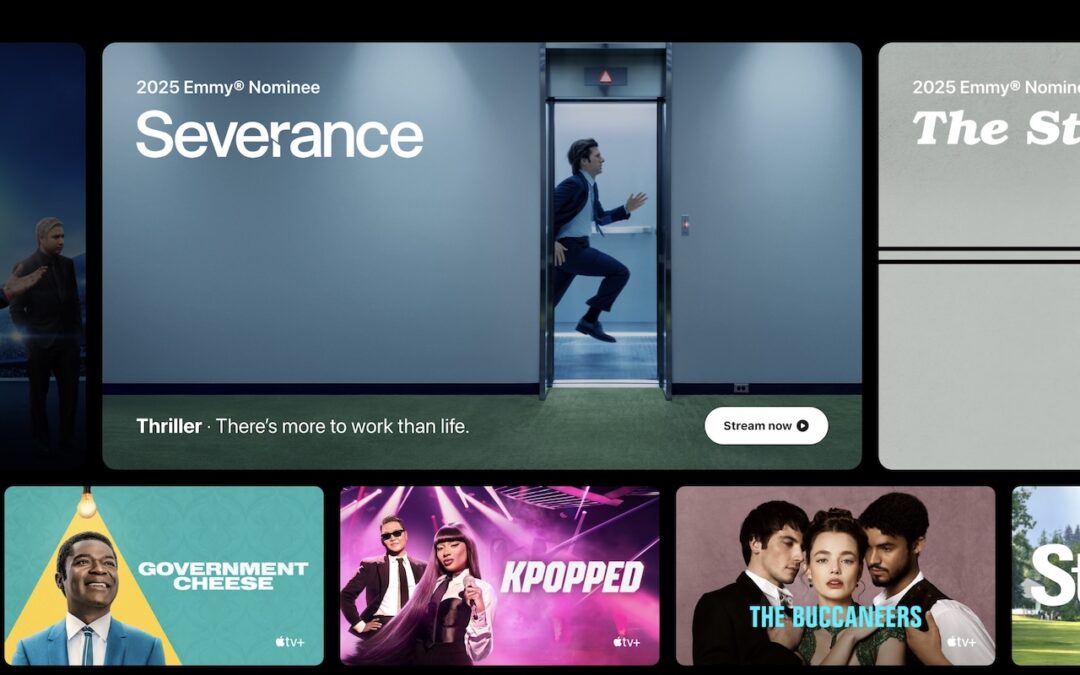
Apple has raised the monthly subscription fee for Apple TV+ to $12.99, marking the third price increase since the streaming service launched at $4.99 in 2019. While the monthly cost has increased, Apple kept the annual subscription priced at $99, making it a more economical choice for those who plan to maintain their subscription throughout the year. Apple doesn’t put the annual billing option front and center on the Apple TV+ website, as you can see below, but you can easily switch to it in Settings > Your Name > Subscriptions on your iPhone or iPad or in System Settings > Your Name > Media & Purchases > Subscriptions > Manage on a Mac.

(Featured image by Apple)
Social Media: Apple has raised the price of an Apple TV+ monthly subscription to $12.99. However, if you plan to keep the subscription active for the entire year, you can save $56 by switching to the $99 yearly plan.

by Steve Sorbo | Apr 1, 2024 | Uncategorized
In iOS 17.4, iPadOS 17.4, and macOS 14.4 Sonoma, Apple enhanced its Podcasts app to include transcripts of all podcasts in the Apple Podcasts catalog as long as they’re in English, French, German, or Spanish. (It doesn’t translate from one language to another.) Much like song lyrics in the Music app—open it by tapping the dialog button in the player—the transcript scrolls in sync with the podcast’s audio, and you can tap anywhere in the transcript to play the audio from that spot. Tap the Search button that appears when you view the transcript to look for any text contained within. Recent podcasts should all have transcripts now, and Apple is working to catch up on older podcasts. The AI that generates the transcripts sometimes makes mistakes and doesn’t distinguish between different speakers, but overall, the transcripts provide a good sense of what’s being said.

(Featured image by iStock.com/microgen)
Social Media: Did you know Apple’s Podcasts app now includes written transcripts? Our tip helps you view the text while you listen, use it to navigate within the audio, search for specific bits, and more.

Recent Comments