

Mac Tips & News

Apple Adds M5 Chip to MacBook Pro, iPad Pro, and Vision Pro
Apple’s fall harvest has yielded the new M5 chip, leading to updates for the entry-level 14-inch MacBook Pro, the iPad Pro lineup, and the Vision Pro. All three benefit from the M5’s significant performance boosts, but remain mostly unchanged otherwise. Availability...
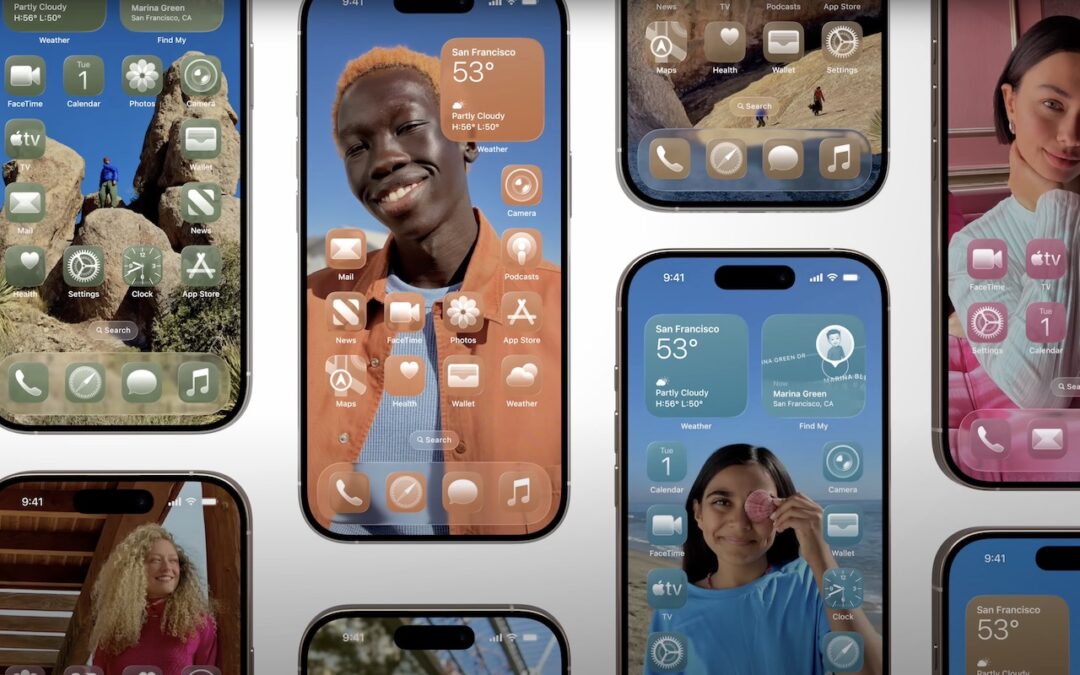
How to Customize the iPhone and iPad Home Screen with Liquid Glass
When describing its new Liquid Glass design language, Apple spoke only generally about how users could change the look of icons and widgets on their iPhone and iPad home screens to be dark, clear, or tinted, without specifying how to do that. The trick is to touch and...

macOS 26 Tahoe Introduces New Recovery Assistant
If a Mac running macOS 26 Tahoe experiences certain kinds of problems, it might automatically restart and launch a new Recovery Assistant. It will prompt you to unlock your disk if needed and to connect to a Wi-Fi network—an Internet connection is required. Apple...

App Store Gains Accessibility Nutrition Labels
Apple does a good job providing accessibility options for users who experience issues with vision, hearing, motor control, and other accessibility needs. Nearly everyone will benefit from these features at some point in their lives. To encourage support for Apple’s...

Updated Passwords App Adds History
One small way Apple’s Passwords app lagged behind top password managers like 1Password was in its lack of a password history. It’s sometimes helpful—such as when trying to figure out why a seemingly correct password isn’t being accepted—to see previous passwords for a...

Ten Useful New Features in iOS 26’s Phone App
Although it’s easy to joke about how little we use our iPhones for actual phone calls, telephony remains a core feature that everyone depends on to some degree. In iOS 26, Apple put significant effort into improving the phone experience, delivering the most notable...
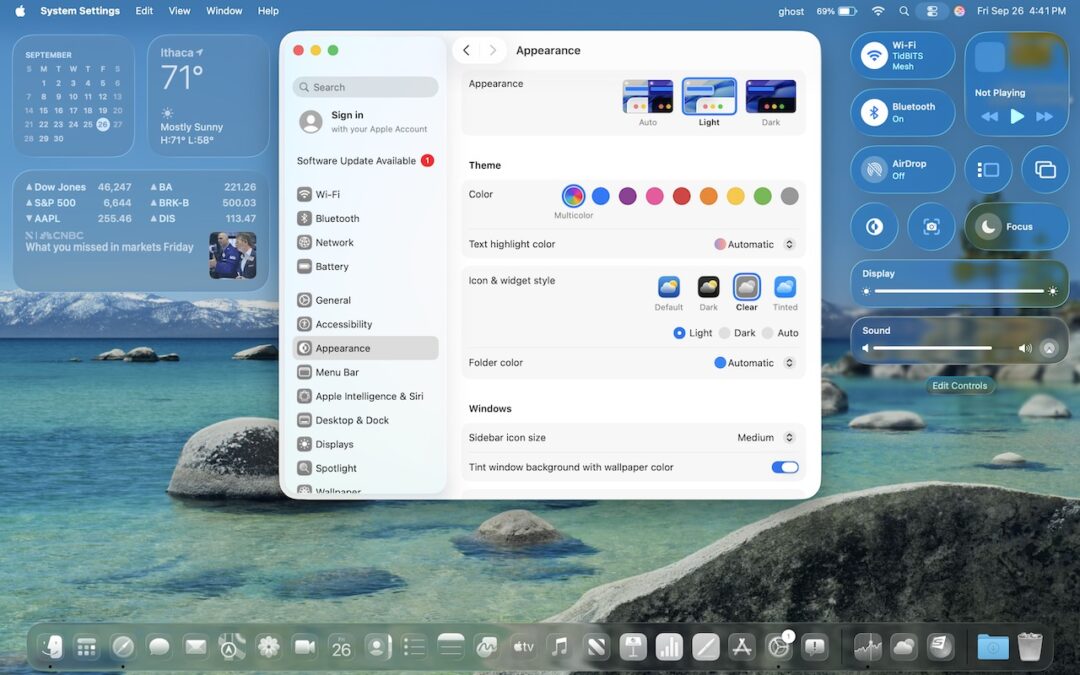
Notable User Interface Changes to Expect in macOS 26
macOS 26 Tahoe is a larger visual leap than any recent upgrade. Although we don’t yet recommend that everyone upgrade, we want to show you some of the user interface changes that will impact your everyday experience of using the Mac. Liquid Glass Changes Many of these...
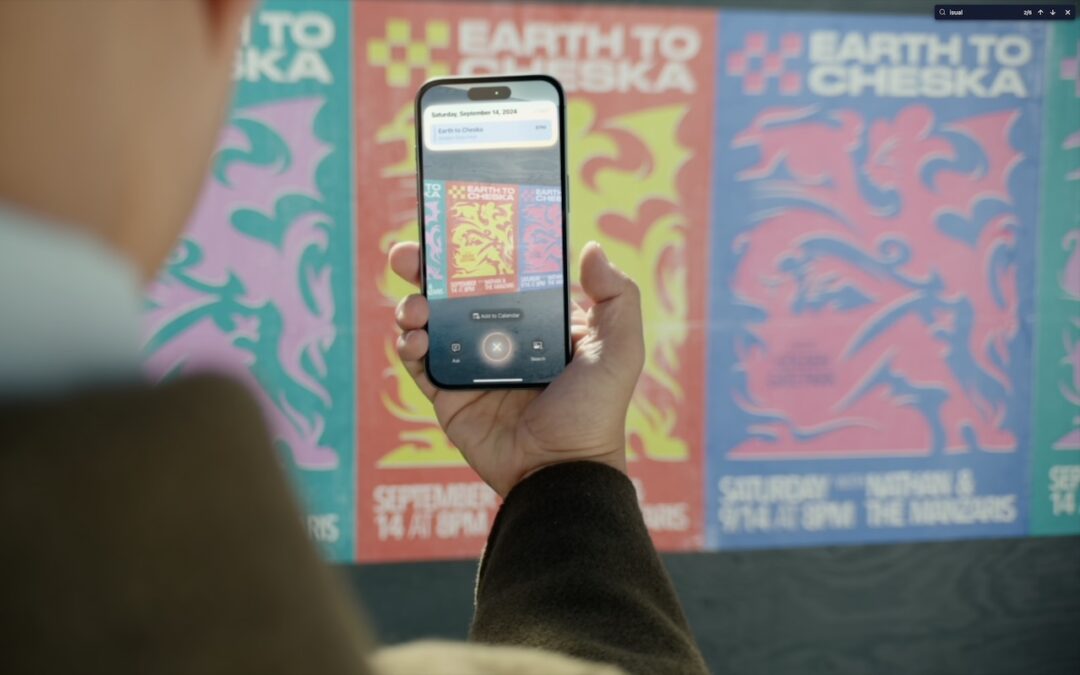
Make the Most of Visual Intelligence on the iPhone
The “visual intelligence” aspect of Apple Intelligence leverages the artificial intelligence capabilities of your iPhone to make what you see through the iPhone’s camera or on its screen interactive and actionable in ways that weren’t previously possible. It’s one of...
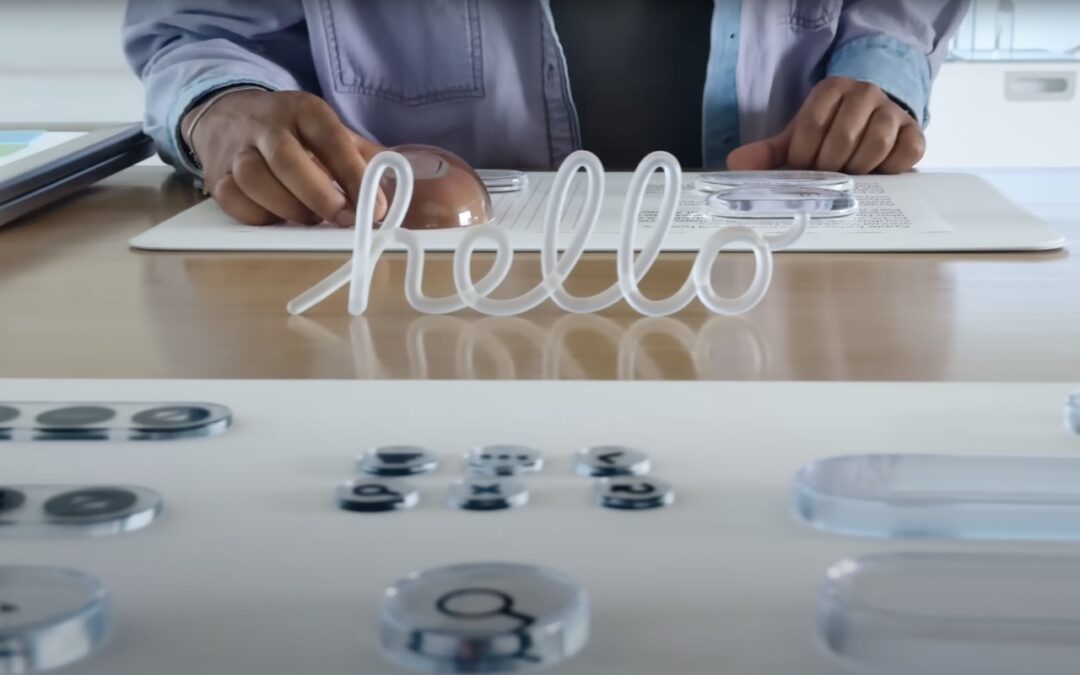
What’s Liquid Glass, and What to Do If You Don’t Like It
If you’ve been following Apple’s recent product releases, you’ve probably heard the term “Liquid Glass.” That’s what Apple calls its newest design language, a combination of an aesthetic look and functional philosophy for the user interface in iOS 26, iPadOS 26, and...
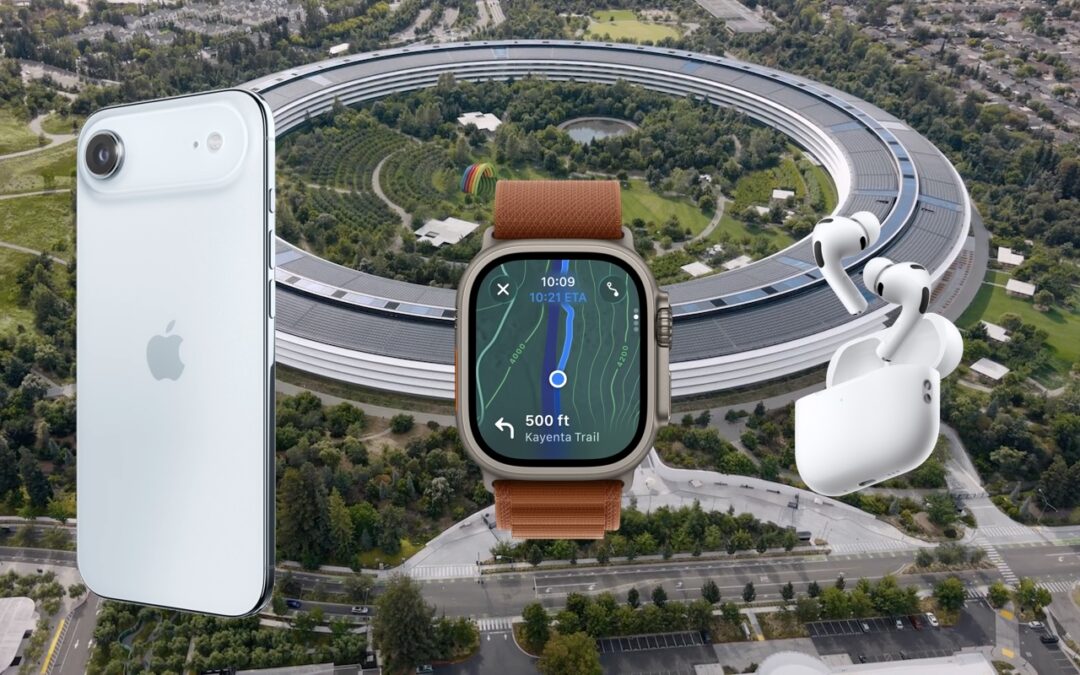
Apple Unveils New iPhone 17 Lineup, Updated Apple Watches, and AirPods Pro 3
In the tech world, September brings the fruits of Apple’s harvest: new iPhones, Apple Watches, and AirPods. At its recent Awe Dropping event, Apple introduced the new iPhone 17 lineup, the ultra-thin iPhone Air, the Apple Watch SE 3, Apple Watch Series 11, Apple Watch...
Recent Comments