

Mac Tips & News

Mail on the iPhone Can Categorize Your Messages in iOS 18.2
Apple slipped a significant new feature into Mail in iOS 18.2 that has nothing to do with Apple Intelligence: Categories. Like Gmail and other email apps, Mail can now automatically categorize messages into four buckets: Primary, Transactions, Updates, and Promotions....
Feel Free to Upgrade to macOS 15 Sequoia When You’re Ready
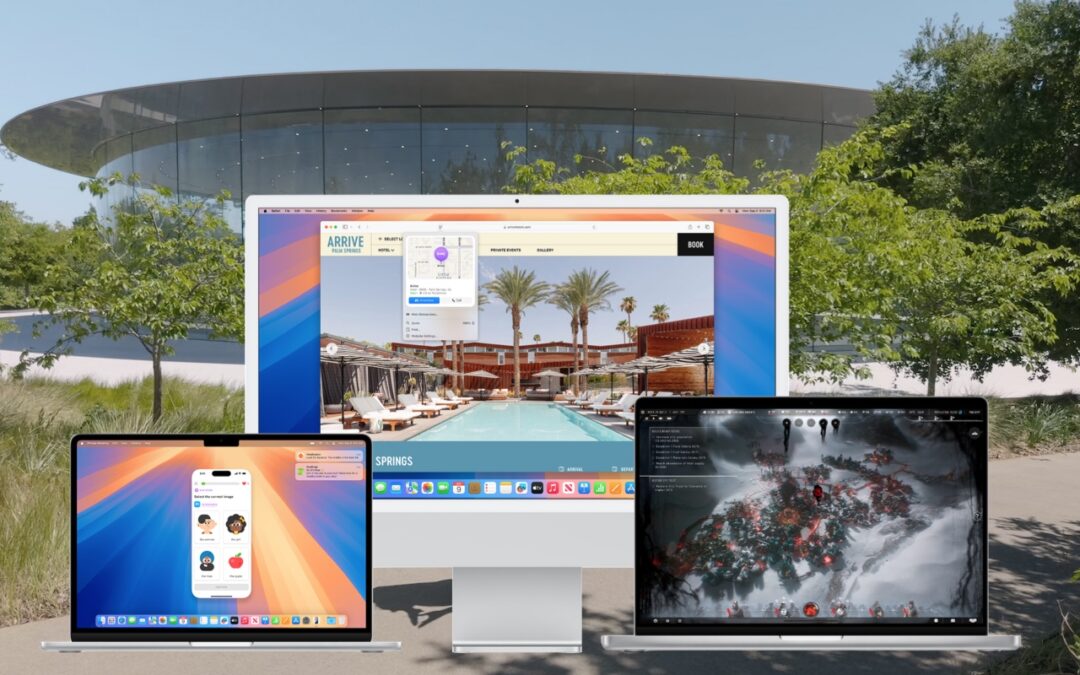
While we typically advise caution when considering upgrades to the latest major macOS release, we believe Apple has sufficiently refined macOS 15 Sequoia to warrant an upgrade for those interested. You don’t need to upgrade immediately, but there are no significant...

How to Train Yourself to Use the iPhone 16’s New Camera Control Button
If you are accustomed to opening the Camera app on your iPhone by tapping its Home Screen app icon or Lock Screen widget icon, you may find it challenging to remember to use the new Camera Control button on the side of an iPhone 16. That button is a big win for easy...
In iOS 18 and iPadOS 18, Quickly Turn Home Screen App Icons into Widgets
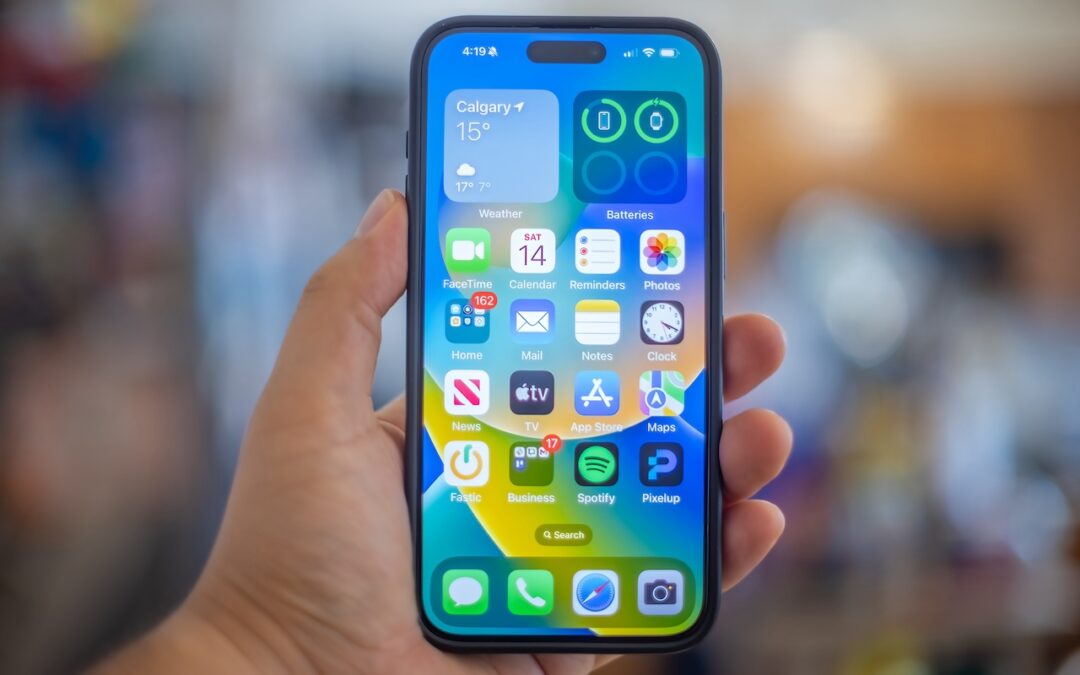
Widgets on the iPhone or iPad Home Screen are enhanced versions of app icons that display extra information. You can now bypass the complicated widget creation process and experiment with widgets more easily. No longer do you have to edit the Home Screen, tap the Edit...
Control Window Tiling in macOS 15 Sequoia
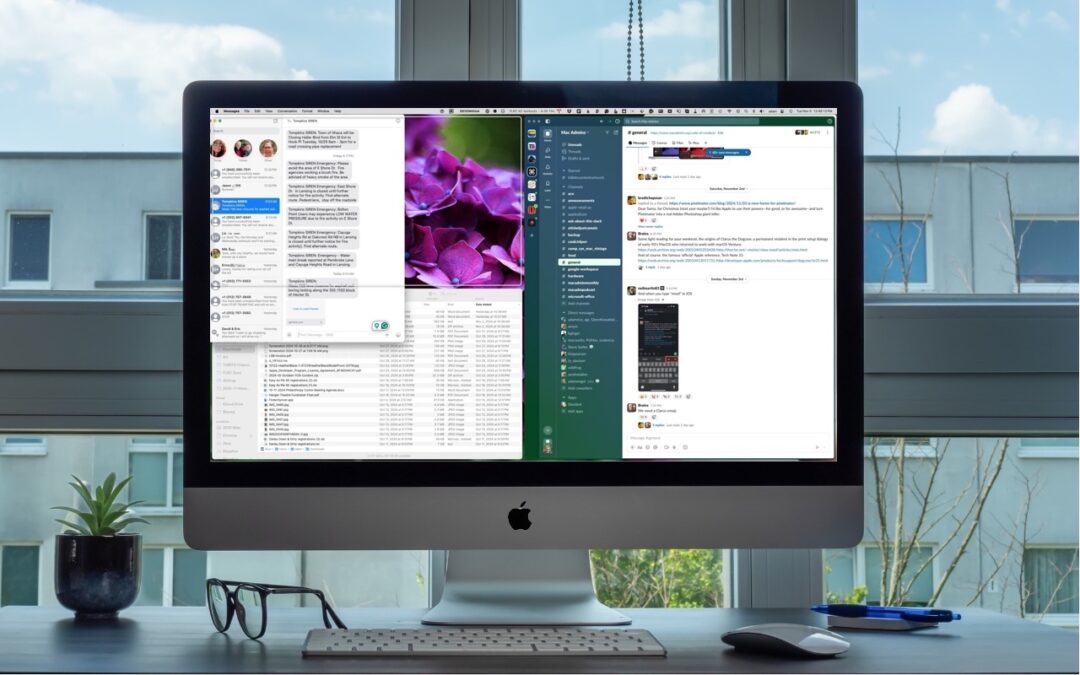
One of macOS 15 Sequoia’s most noticeable additions is a new form of window tiling. Drag a window to the menu bar to expand it to fill the screen, to the left or right edge to resize it to half the screen, or to a corner to resize it to that quarter of the screen. As...
Don’t Listen to Anyone Who Tells You to Drag a Text File into Terminal
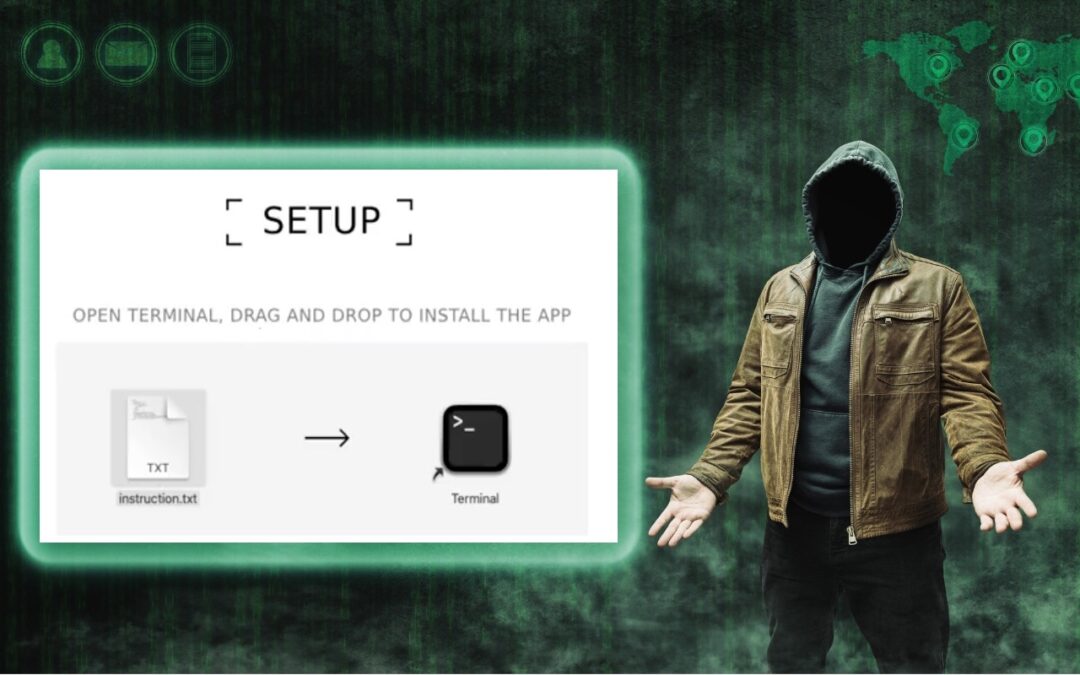
In macOS 15 Sequoia, Apple made it more difficult to bypass Gatekeeper to run apps that aren’t notarized. (Notarization is one of the ways Apple ensures that apps distributed outside the Mac App Store are unmodified and free from malware.) Cybercriminals have...

Website Owners: Identifying Copyright Infringement Link Insertion Scams
We regularly warn Internet users about online scams and phishing attacks. Most of these are relatively easy to identify and avoid once you’re aware of telltale signs. Unfortunately, we’ve encountered a newer type of scam that’s more difficult to identify, partly...

Safari 18 Adds Highlights, Distraction Control, Redesigned Reader, and Video Viewer
Alongside this year’s crop of operating systems comes Safari 18, the latest version of Apple’s Web browser. Most of what you do in Safari depends on the websites you use, of course, but Apple has added a handful of features aimed at improving your overall browsing...

The Importance of Properly Offboarding Employees
Employers and their employees part ways for all sorts of reasons. People may move on because of a contract’s completion, to take a new job, or because they’re retiring. Employees may also leave due to being laid off or fired. Whatever the reason, offboarding—the...

Use Quick Look to Preview Files and Folders in the Finder, Spotlight, and Open Dialogs
Finder icons sometimes hint at their file’s contents, but if you find yourself opening file after file to look at the contents quickly, the Mac has a little-known feature just for you: Quick Look. To give it a spin, select a file in the Finder and press the...
Recent Comments