

Mac Tips & News

Beware of Scam Party Invitations from Hijacked Accounts
The latest scam making the rounds preys on your trust and sociability. You receive what appears to be a party invite from a friend via an invitation service like Paperless Post or Punchbowl. The email legitimately comes from your friend’s account, which has been...

Keep a USB Mouse and Keyboard Around for Troubleshooting
Apple’s wireless Magic Mouse, Magic Trackpad, and Magic Keyboard are the norm for desktop Macs, but they aren’t infallible. Batteries die, pairing can fail, and worst of all, if you need to boot into macOS Recovery, that’s a bad time to discover that your wireless...

Find What’s Filling Your Disk with OmniDiskSweeper
It’s annoying when your Mac tells you you’re low on disk space and you can’t imagine what could be occupying it. Or maybe you know you’re running low—a good rule of thumb is to keep at least 10% of the drive free—but aren’t sure which files or folders are hogging the...

Take Quick Videos with the Camera Control
Sometimes you need to start recording video instantly—to document an incident, capture a fleeting moment, or preserve evidence. Apple has provided a shortcut that reduces the effort to just two presses of the Camera Control on the iPhone 16 and later. Press it once to...
Follow These Steps When Switching to a New iPhone 18
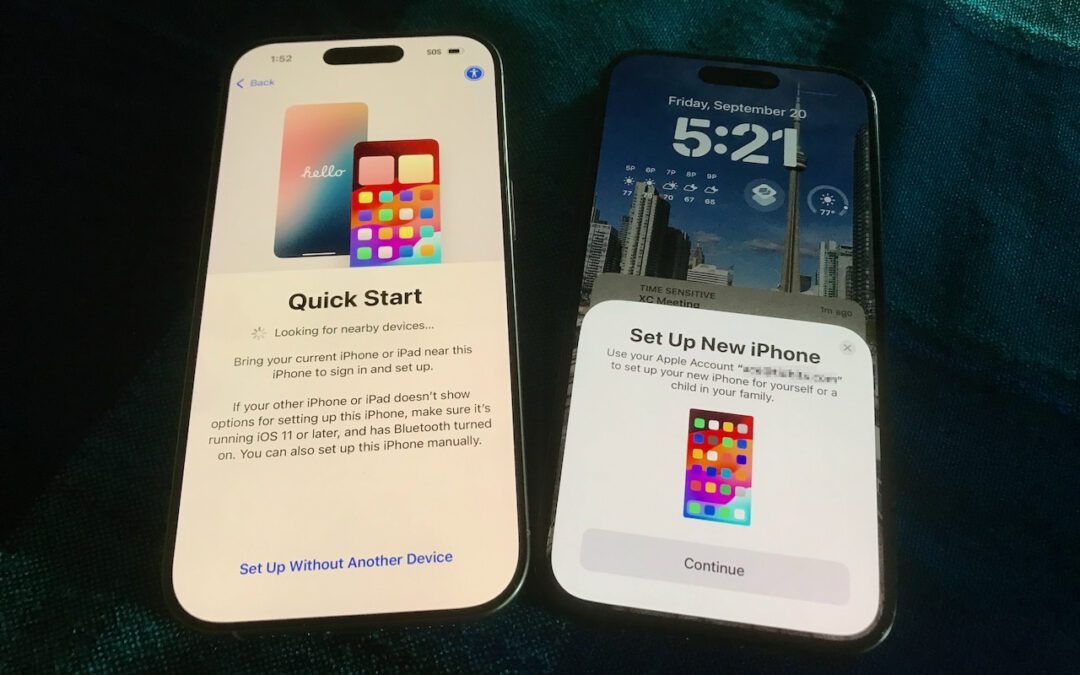
Are you considering getting one of Apple’s new iPhone 18 models? While it’s tempting to unbox a new iPhone and dive right in, a methodical setup will save you from potential frustrations down the road. When you’re ready to transfer your data—and, for many people, that...

When Should You Upgrade to macOS 27 Golden Gate, iOS 27, iPadOS 27, watchOS 27, tvOS 27, and visionOS 27?
September has arrived, so Apple will soon release major upgrades for all its operating systems. iOS 27 and watchOS 27 will undoubtedly ship alongside new iPhone and Apple Watch models mid-month. iPadOS 27 will likely accompany iOS 27, as will tvOS 27 and visionOS 27....

Apple Updates Mac mini and Mac Studio with New M6 and M5 Ultra Chips
In a move designed to clear the decks in advance of the company’s September 9th iPhone and Apple Watch unveiling, Apple has refreshed its compact desktop Mac lineup with new chips, faster connectivity, and—unsurprisingly given the ongoing memory shortage—higher...

Prepare for macOS, iOS, and iPadOS OS 27 by Updating to 26.6
Apple released macOS 26.6 Tahoe, iOS 26.6, and iPadOS 26.6 with a huge number of fixes for security vulnerabilities. However, the release notes for each also include an unusual comment along the lines of “optimizes the Spotlight index in preparation for macOS 27.” At...

WhatCable Reports on Your USB-C Cables
We’ve all ended up with a collection of random USB-C cables that arrived with devices, were purchased while traveling, or were left by visitors. But you can’t look at a cable to determine its data speed, how much power it can carry, or whether it’s hampering display...
Be Careful When Offloading iPhone Apps
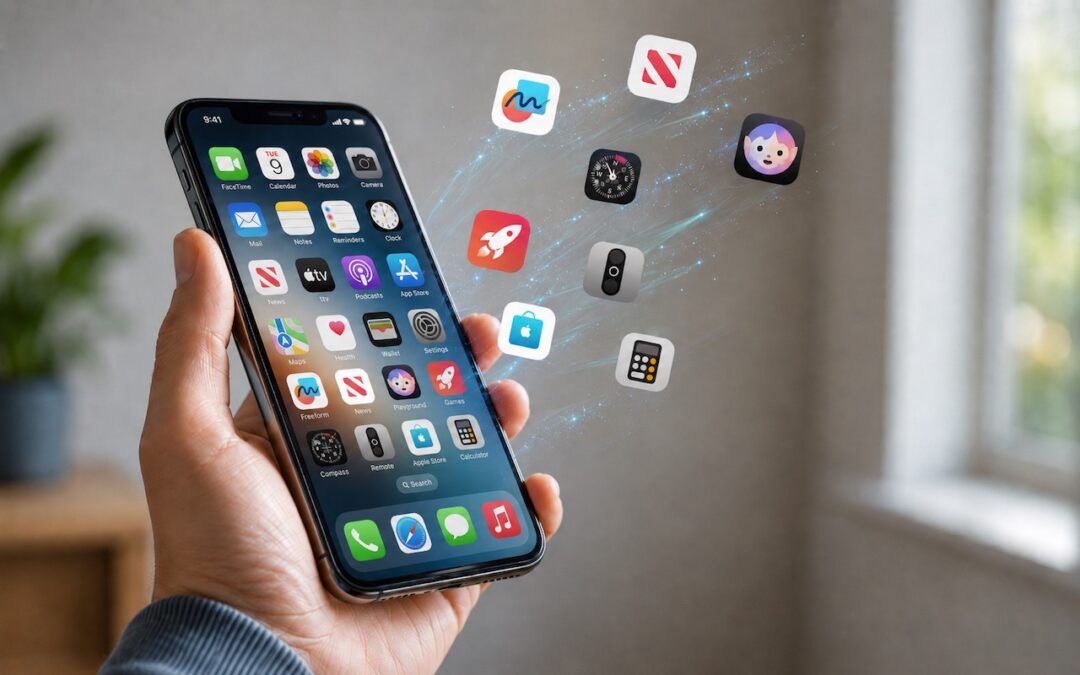
Automatic offloading of seldom-used apps can be a good strategy for recovering space on an iPhone whose storage is almost full, and iOS can do this for you in Settings > Apps > App Store > Offload Unused Apps. When you open an app that was offloaded, iOS will...
Recent Comments