

Mac Tips & News

Apple Podcasts Adds Transcripts
In iOS 17.4, iPadOS 17.4, and macOS 14.4 Sonoma, Apple enhanced its Podcasts app to include transcripts of all podcasts in the Apple Podcasts catalog as long as they’re in English, French, German, or Spanish. (It doesn’t translate from one language to another.) Much...

Tips for Working with Mac Display Resolutions
You can change the resolution of your Mac’s screen—how many pixels appear—to make text and graphics larger and easier to see or smaller to fit more content onscreen. In System Settings > Displays, Apple shows thumbnails for five likely possibilities. Hover the...

Want an Event List in Apple’s Calendar App? Try This Trick
Along with day, week, month, and year views, most calendar apps offer the option of a simple chronological list of events, which can be a handy way to see what’s coming up. Apple’s Calendar app on the Mac is unfortunately not among those apps. However, there is a...

Looking for Apple Manuals? Check the New Documentation Site
Apple publishes a multitude of manuals and tons of technical documentation for its products on its support site, but until recently, it could be challenging to find something specific because the search engine on Apple’s site is poor. For a better path into Apple’s...

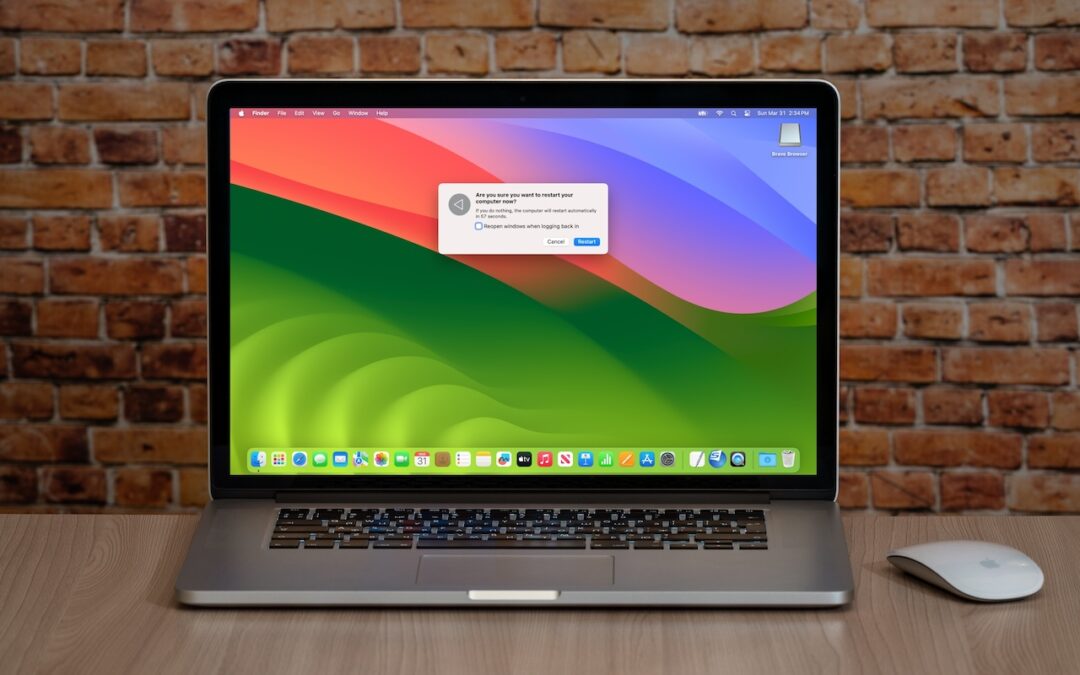
Six Reasons Why You Should Restart Your Mac Periodically
Long ago, before macOS was as stable as it is today, Mac users restarted their Macs regularly. Back then, Macs couldn’t sleep, either, so it was common for users to shut down at the end of the day and start up the next morning, effectively restarting daily. With...

SPF, DKIM, and DMARC: What They Are and Why You Need Them
The ease of sending and receiving email makes it an attractive way to run scams like phishing attacks. One telltale mark of a phishing attack is the sender’s address not matching their purported domain; attacks that appear to come from legitimate email addresses are...

Take Advantage of the Reference Library in Your Mac
You may be used to Mac apps using red underlines to mark misspelled words, but did you know that macOS has also long included a fully featured Dictionary app? It provides quick access to definitions and synonyms in the New Oxford American Dictionary and the Oxford...

Did You Know Text Entry Boxes in Web Browsers Are Easy to Expand?
Have you ever noticed the shading in the corner of text area fields in Safari, Chrome, Firefox, and most other Mac Web browsers? These “handles” let you resize the field—always vertically and sometimes horizontally. That’s handy when the website designer has provided...
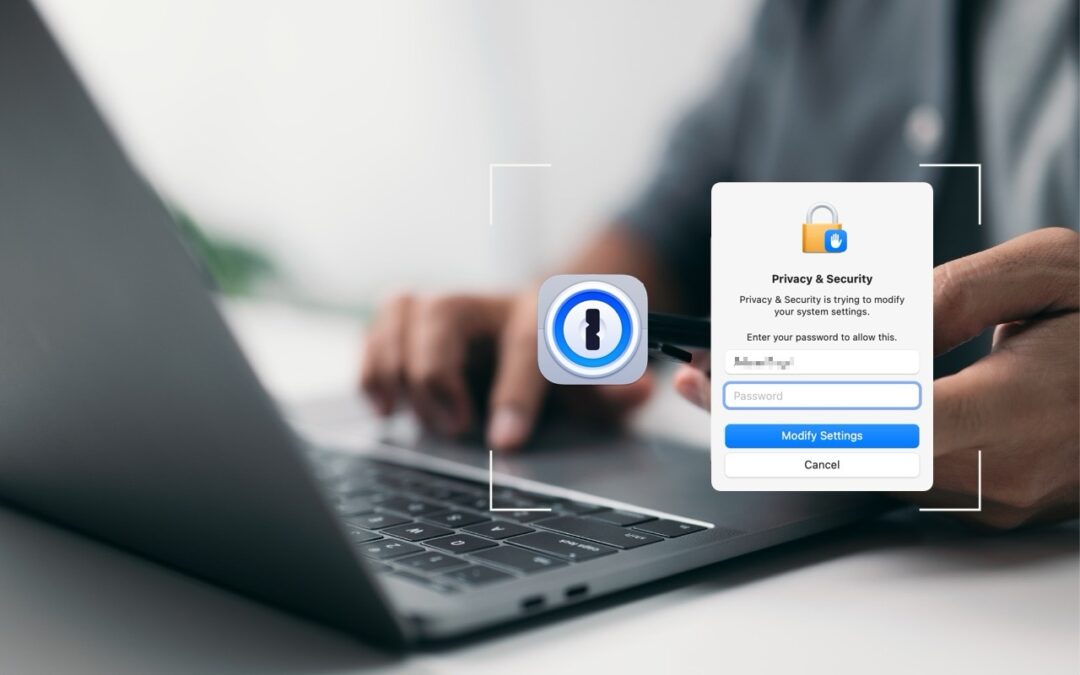
Use 1Password to Enter Your Mac Login Password
We think of 1Password as being helpful for entering passwords on websites and in iPhone and iPad apps. But its Universal Autofill feature has a hidden capability that lets 1Password enter your Mac login password when you have to provide it to change certain system...
Recent Comments