

Mac Tips & News

Preparing Your Organization for a Possible COVID-19 Quarantine
As of this writing, the respiratory disease COVID-19 has caused nearly 3000 deaths and infected over 80,000 people worldwide. There are relatively few cases in North America currently, but that could increase significantly. For high-quality information about COVID-19,...

Make Your Own Keyboard Shortcuts on the Mac
Power users like keyboard shortcuts because it’s faster to press a couple of keys than to navigate lengthy menus. If you have trouble remembering shortcuts, check out KeyCue, which displays a concise table of all currently available shortcuts. But what about menu...

Is Your iPhone Reporting “No Service” When You Know There’s a Signal?
Have you ever seen the dreaded “No Service” label at the top of your iPhone’s screen, even when you’re pretty sure there should be cellular reception? It’s not common, but the iPhone’s cellular radio can occasionally get confused. Luckily, you can easily fix the...
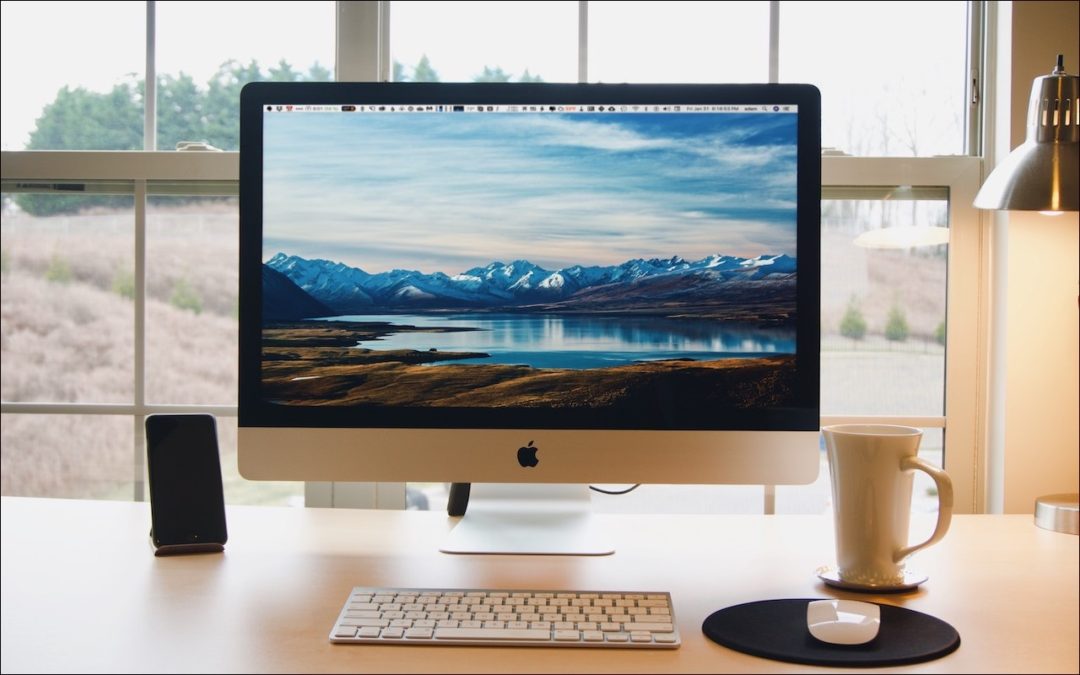
Make Your Mac More Useful by Managing Menu Bar Icons
If your Mac is anything like ours, it’s suffering from an infestation of menu bar icons. Sure, the Wi-Fi menu is essential, and many others can be helpful. But if you have too many, or they’re in random order, finding one when you need it can be frustrating. You can...

The Fastest Way to Change Wi-Fi Networks in iOS 13
Historically, picking a new Wi-Fi network has required you to open the Settings app and tap Wi-Fi, forcing you to unlock your iPhone or switch away from what you were doing. In iOS 13, however, Apple added a better way to connect to a new Wi-Fi network. Open Control...

Strategies for Moving from Mojave to Catalina
For some Mac users, macOS 10.15 Catalina is no longer a choice. That’s because the new 16-inch MacBook Pro and the 2019 Mac Pro that Apple released late last year ship with Catalina installed and can’t run any previous version of macOS. But for most people, it’s time...

To Prevent Spearfishing, Set a PIN or Passcode on Your Cell Phone Account
Spearfishing. It’s no longer just a tropical ocean sport that could provide seafood for dinner. In today’s tech world, spearfishing is when someone targets you specifically, usually with the goal of taking over your online accounts. Once that’s done, the attacker will...

Here’s How to Mark Up Photos and Screenshots with Text and Graphics in iOS 13
Ever wanted to take a photo of a receipt and circle the item for which you should be reimbursed? Or perhaps you’d like to put some text or a speech balloon on a photo? You can do all that and much more using iOS 13’s Markup tools. They’re available when you take a...
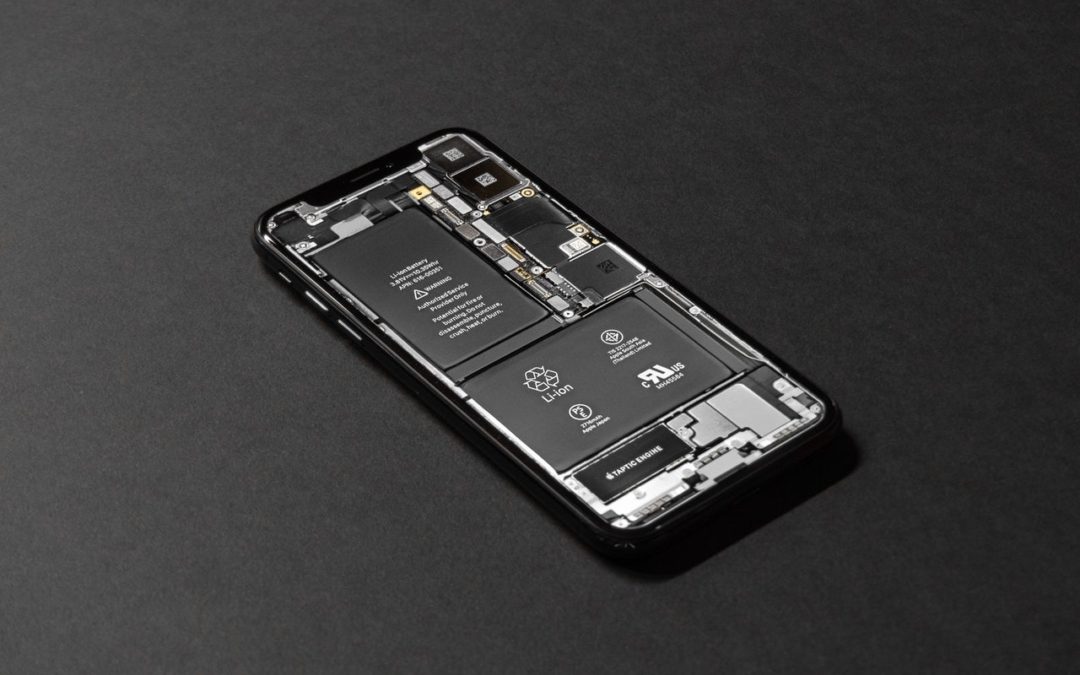
Learn How to Examine Your iPhone’s Battery Usage
A common question we hear is, “Why is my iPhone/iPad battery draining so fast?” Luckily, Apple provides tools that help you see exactly how your iPhone uses its battery over the last 24 hours and—with less detail—over each of the last 10 days. Plus, you can tweak...

Here’s What’s Coming from Apple in 2019
At Apple’s Worldwide Developer Conference on June 3rd, the company unveiled the next versions of all its operating systems—macOS 10.15 Catalina, iOS 13 (and a new iPadOS), watchOS 6, and tvOS 13–along with the much-anticipated new Mac Pro and Pro Display XDR. Nothing...
Recent Comments