

Mac Tips & News
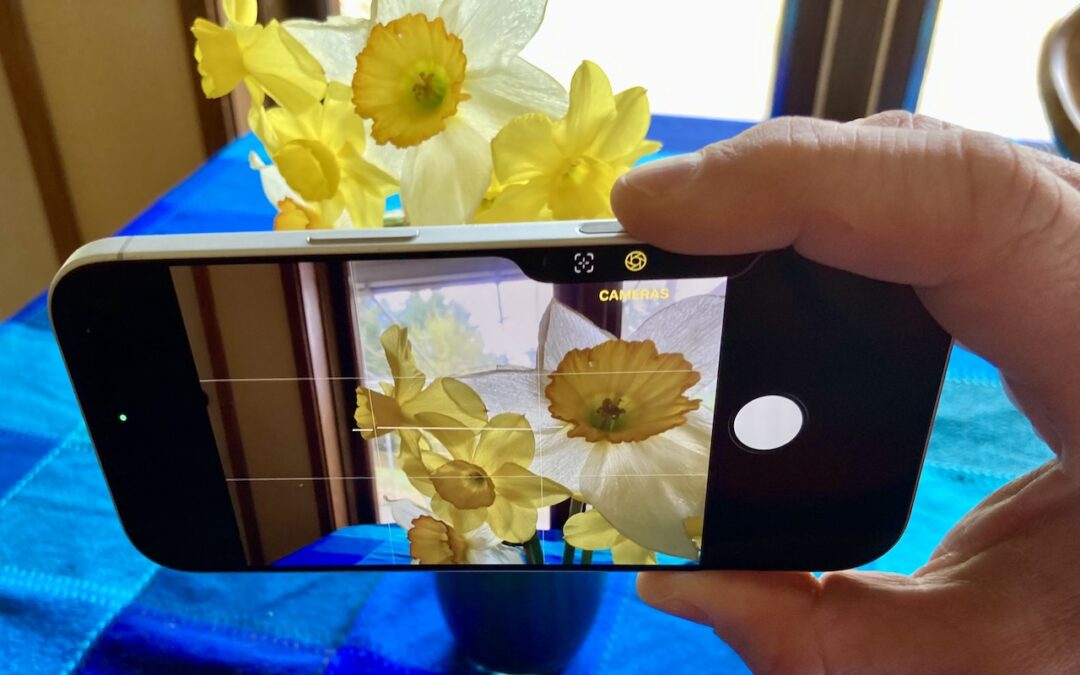
Customize the Camera Control on Your iPhone
The Camera Control on iPhone 16 and later models lets you open the Camera app and take a photo with the press of a button. But it’s more than just a simple button—it features a touch-sensitive surface that lets you adjust a variety of settings without having to tap...

Speed Up Mac and iOS Typing with Text Expansion
Silicon Valley thinks everyone wants to delegate writing to AI, which is why Apple Intelligence constantly suggests replies for you in Messages and Mail. But there’s an excellent way to supercharge your typing speed without sounding like a chirpy chatbot or resorting...
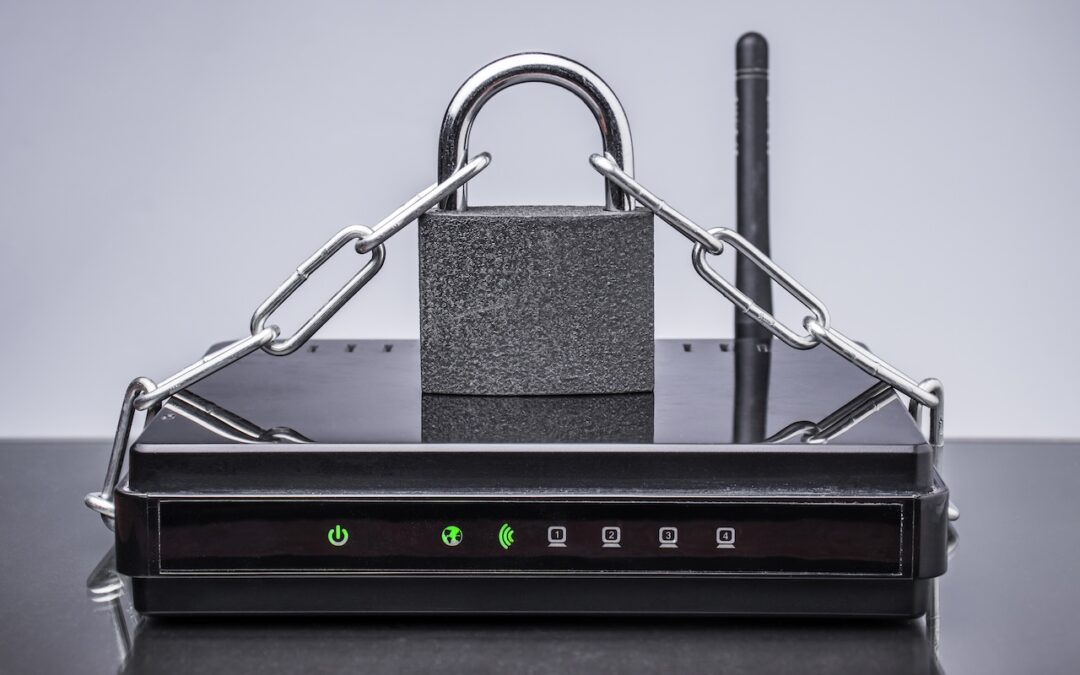
Make Sure Your Home Network Router Is Secure
Securing your home network might seem uninteresting or unimportant—after all, who would bother to target you? The answer is that criminal hackers are interested in your router for a range of disturbing purposes, including attacks on your employer if you connect to a...

macOS 26.4 Warns Against Terminal-Based Malware Attacks
We’ve warned before about scams that trick users into pasting malicious commands into Terminal. Attackers create fake CAPTCHA pages—often resembling Cloudflare’s “are you a human” tests—that instruct visitors to open Terminal, paste a command, and press Return....
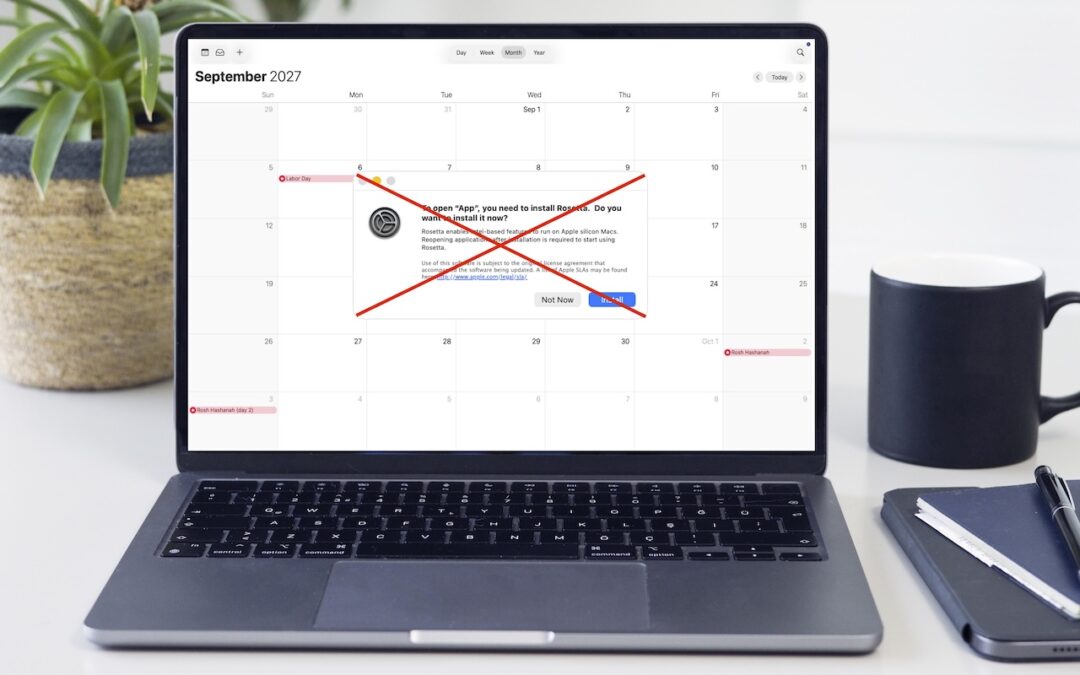
Intel-Based Apps Will Stop Working in macOS 28
Yes, we know we’re still on macOS 26. In 2025, Apple announced macOS 27 would be the last version to support Rosetta for most Intel-based apps. (Beyond that, Apple will maintain a subset of Rosetta functionality for older, unmaintained gaming titles.) This fact has...

Create AI-Powered Playlists with iOS 26.4’s Playlist Playground
Apple Music subscribers running iOS 26.4 can use the new Playlist Playground feature to create AI-generated playlists tailored to any mood, genre, activity, or era. To try it on your iPhone, open the Music app, tap the Library tab, tap the + button, then tap Create...
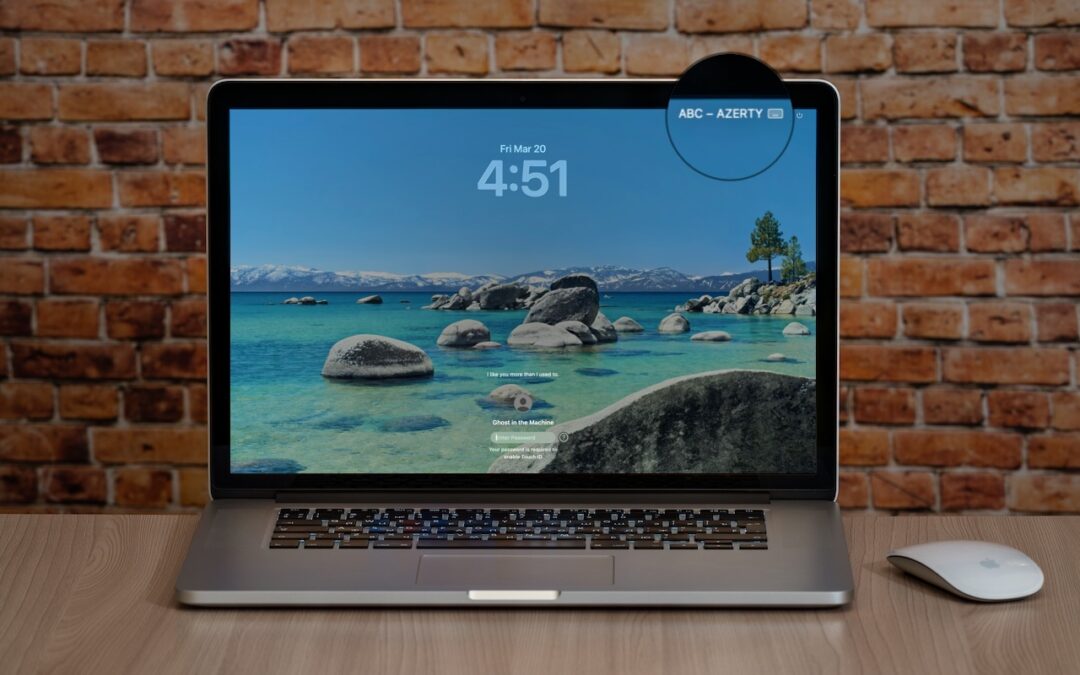
Check Your Input Source If Your Mac Types Unexpected Characters
If your Mac starts typing unexpected characters—or rejects a password you know is correct—check to see if the Input Source menu appears in the upper-right corner of the screen, indicating that your Mac has more than one keyboard layout available for writing in other...
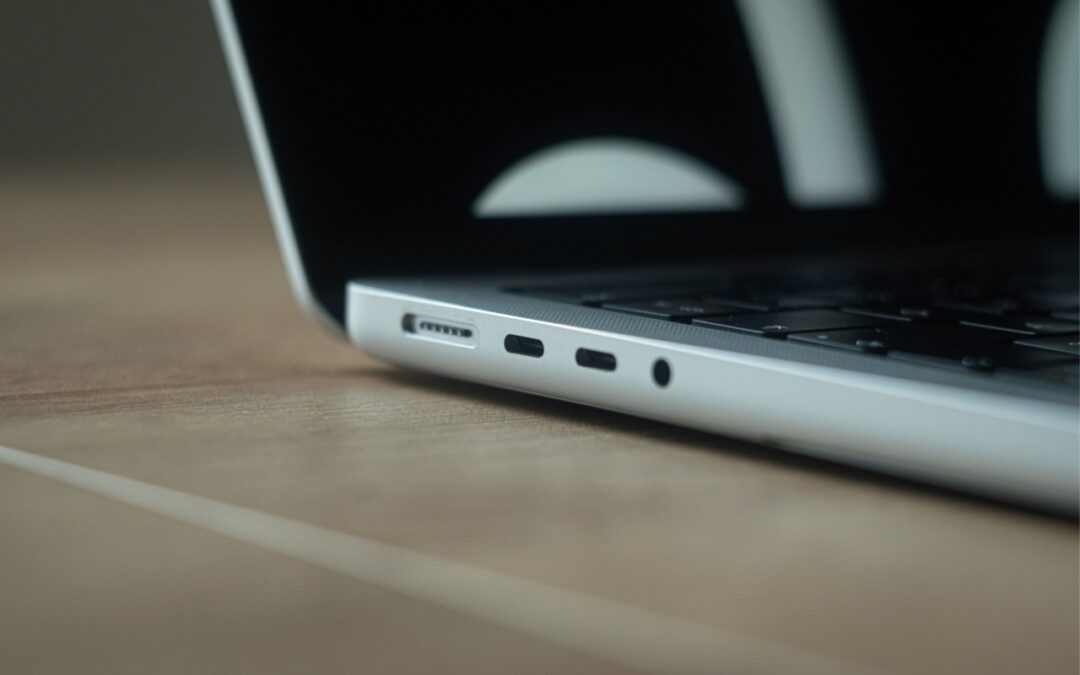
Not All Your Mac’s USB-C Ports Are the Same
We recently helped a client set up an external boot drive on a Mac mini for testing, but the installation kept failing near the end with vague errors. We tried different cables, swapped drives, and more, to no avail. On a hunch, we moved the SSD to a different USB-C...

Two iPhone Exploit Kits Mean You Should Update iOS Now
The discovery of two sophisticated iPhone exploit kits—DarkSword and Coruna—within weeks of each other signals a troubling shift. Unlike previous spyware attacks that targeted high-profile users, these exploit kits have been deployed via compromised legitimate...
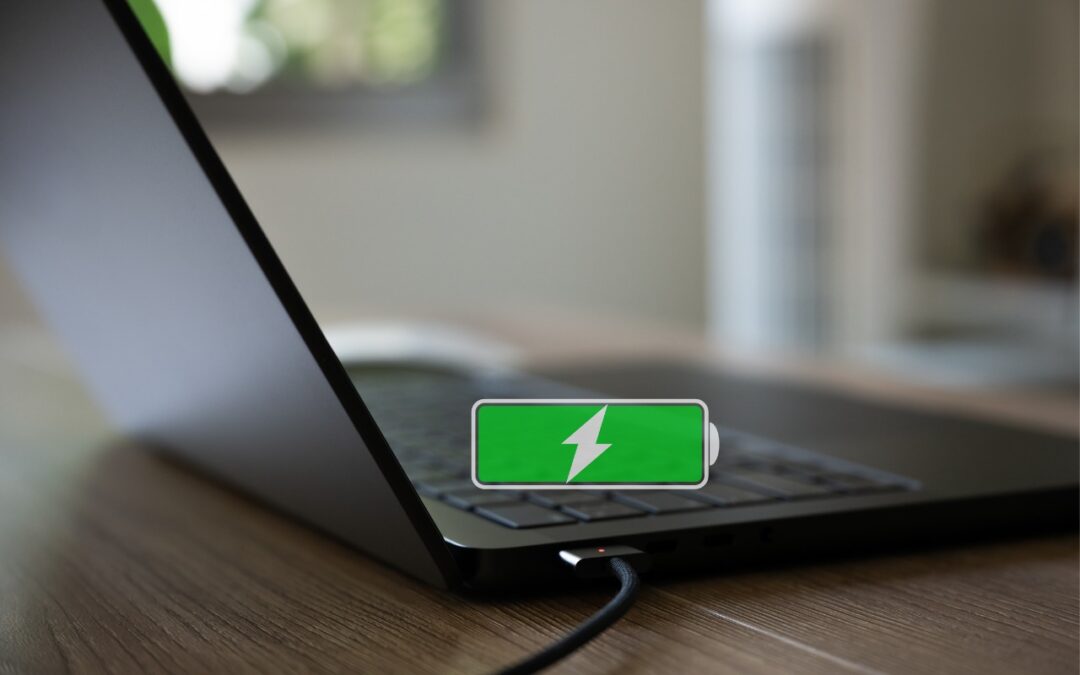
Understanding New MacBook Battery Charging Features
The just-released macOS 26.4 Tahoe introduced two battery-related features for MacBook users, helping them understand and control MacBook charging. A Slow Charger indicator now appears in the battery status menu and in Battery settings when your Mac is connected to a...
Recent Comments