

Mac Tips & News

Five Ways to Protect Against Forgetting Your Apple Account Password
One of the big wins of using a password manager is that you don’t need to remember or enter most passwords—the app does that for you. Even those passwords that must be entered manually can be looked up if you forget them. However, people who don’t use password...

Automate Your Mac with Folder Action Scripts
Do you repeatedly find yourself wanting to do something in the Finder with every file of a certain type? Perhaps you regularly download files from a particular website that come in with a .txt extension, even though they’re CSV files that should have a .csv extension?...
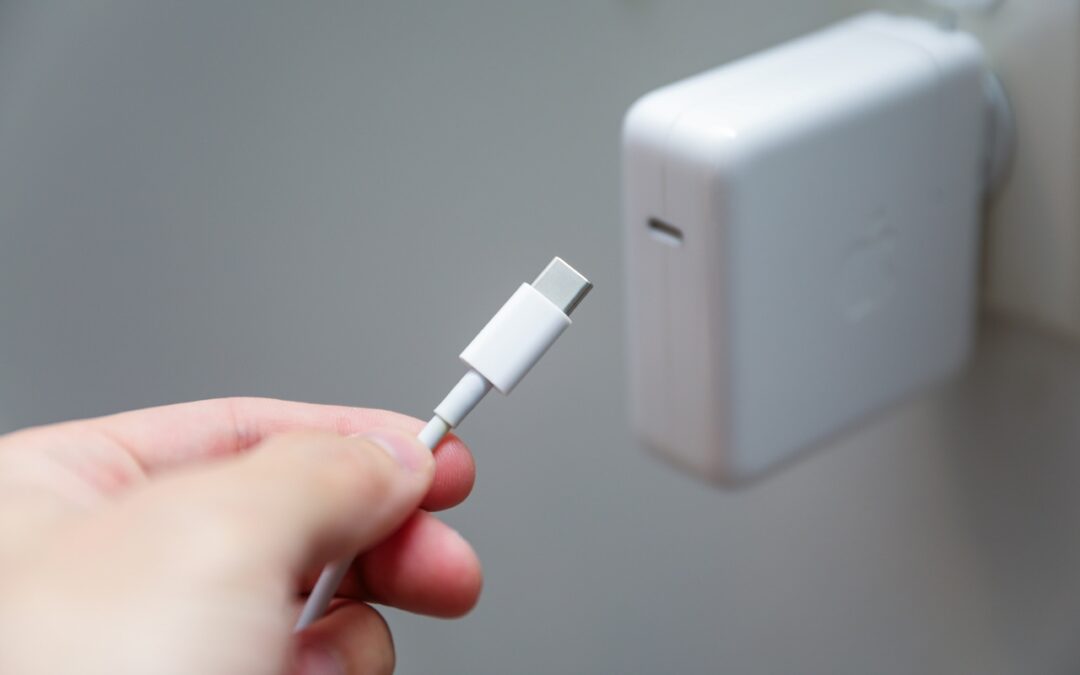
Charge Your MacBook with the Right Power Adapter
If you lose or break the power adapter that came with your MacBook Air or MacBook Pro, make sure to replace it with a charger that meets or exceeds the machine’s required wattage. A charger with too low a wattage may result in little or no charging (or even battery...

Canva’s Free Affinity App Takes on Adobe Creative Cloud
Adobe’s Creative Cloud apps—Photoshop, Illustrator, and InDesign—are best-in-class, and for many people, they’re essential. But if you’re paying $70 per month for a Creative Cloud subscription even though you don’t need the full power of Adobe’s apps, consider Canva’s...

Be Alert for Deepfake Phishing Scams
Phishing scams have entered a new, AI-powered phase and can now convincingly mimic real people. Attackers can generate fake voice or video deepfakes to impersonate CEOs authorizing urgent payments, IT staff requesting access, or family members needing help. If you...

Backups: Trust but Verify
It’s easy to assume your backup app—whether it’s Time Machine, Carbon Copy Cloner, Backblaze, Retrospect, or something else—is quietly doing its job. But it’s possible for a bug to corrupt backups or for a destination disk to fail silently, such that you can’t restore...

New Features in iOS 26.1
The first feature update to iOS 26 is now available—go to Settings > General > Software Update to install iOS 26.1. It doesn’t introduce any game-changers, but there are a few new options and tweaks worth knowing about. Tinted Option for Liquid Glass For many...
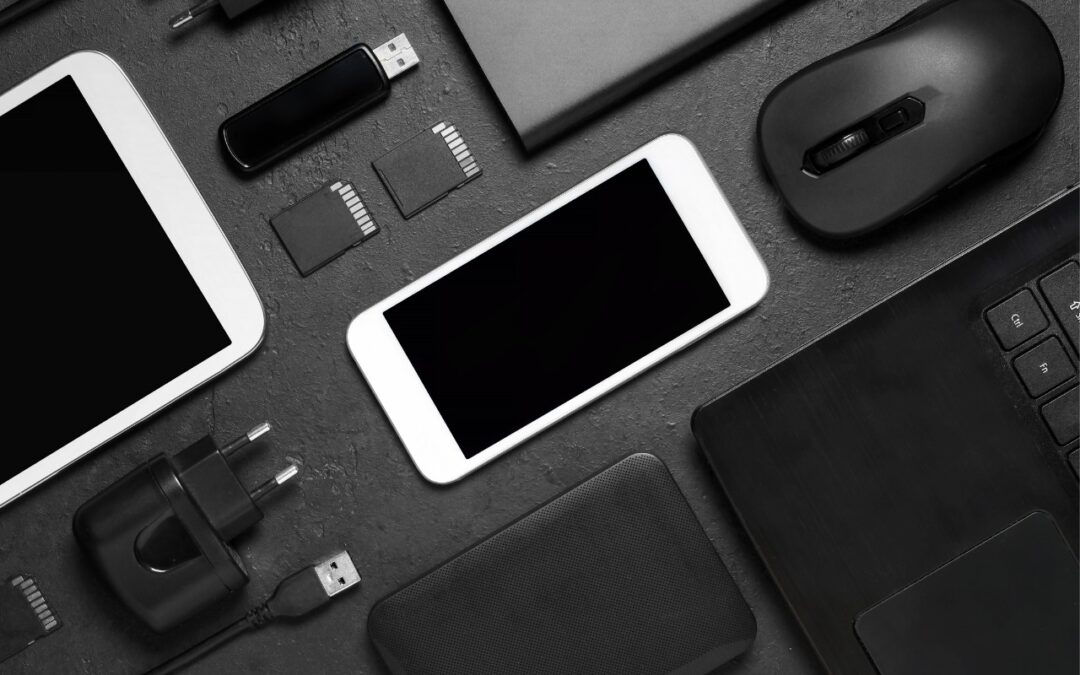
A Few of Our Favorite Things: 2025 Tech Edition
The holidays may be just around the corner, but we field requests for tech gear recommendations year-round. Below you’ll find our suggestions, whether you’re shopping for an Apple tech enthusiast or simply looking to upgrade your own devices and accessories. Plenty of...

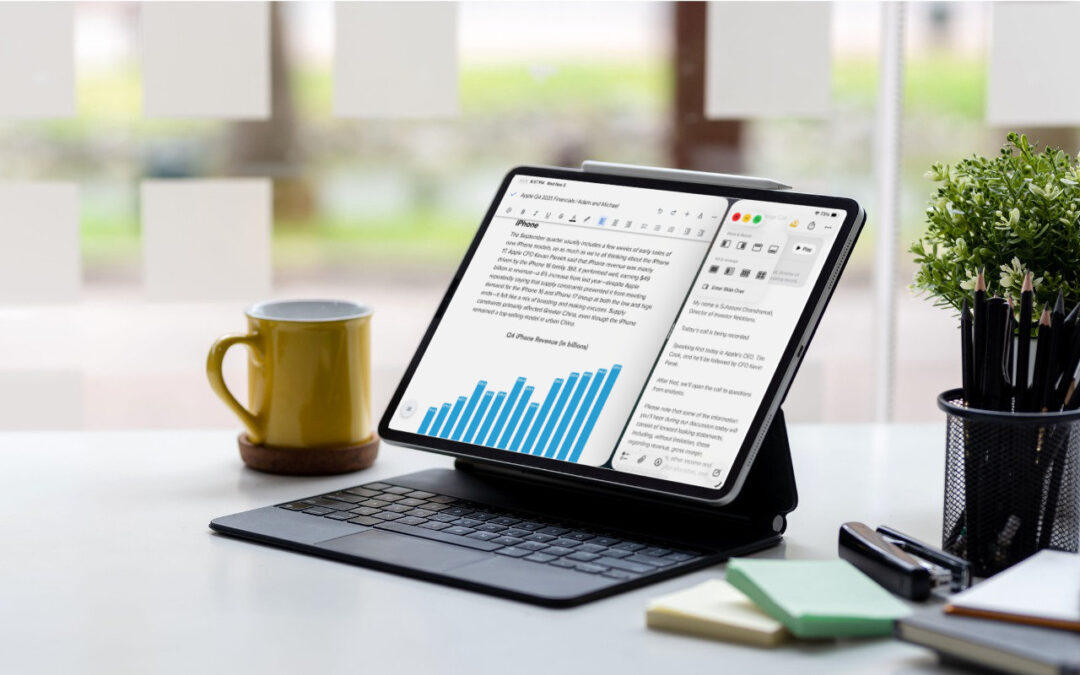
iPadOS 26 Brings Mac-Like Multitasking to the iPad
When the iPad debuted, it was essentially a large iPhone. But classic productivity tools rapidly made their way to the iPad, and over the years, Apple has introduced multitasking features, such as Slide Over and Split View, to make it easier to work back-and-forth...
Recent Comments