by Steve Sorbo | Nov 1, 2024 | TCN Content
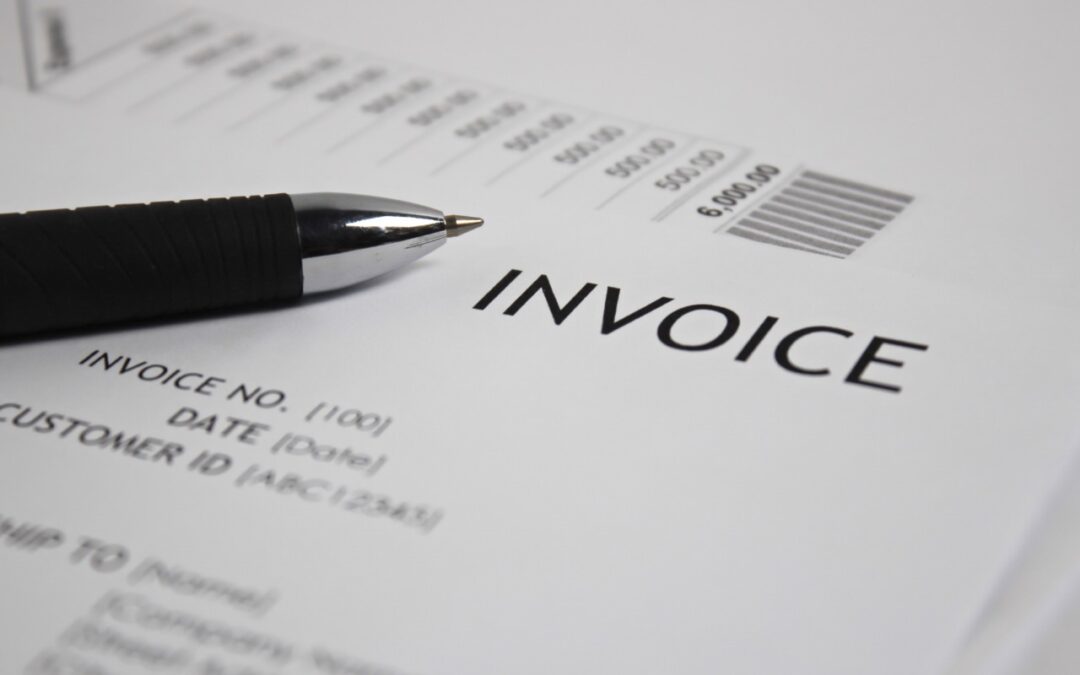
We’ve seen an uptick in fake invoices from scammers using PayPal. Because they’re being sent through PayPal itself, spam filters won’t catch them, and they have few of the usual markers of phishing email (but look for sketchy names and email addresses at the top). Some are even forged to appear as if they come from Apple. Never pay a PayPal invoice that you can’t tie directly to something you’ve ordered, and don’t call the number listed—the scammer will try to convince you that the invoice is real. If you receive one of these invoices, click the “Report this invoice” link at the bottom to help protect others who might have received it, and forward the message to phishing@paypal.com. Don’t mark the invoice as spam, though, since that will train your email client to be suspicious of legitimate messages from PayPal.

(Featured image by iStock.com/Moostocker)
Social Media: Beware of PayPal invoice scams that might even appear to come from Apple. Should you receive one, report it to PayPal to help protect other people, but don’t mark the message as spam.

by Steve Sorbo | Oct 1, 2024 | TCN Content
All those data breaches are coming back to haunt us. Once our phone numbers and addresses began to be leaked, it was only a matter of time before scammers would personalize their attacks to make them seem more real. The latest “sextortion” scams purport to have compromising video of you taken from your computer’s webcam, backing it up with your phone number and a Google Street View-like image that matches your leaked address. They make a lot of claims and dire-sounding threats, but talk is cheap, and there’s nothing behind them. Do not pay the scammers!

(Featured image by iStock.com/Thapana Onphalai)
Social Media: Scams are starting to incorporate personal information stolen in data breaches, so you may get “sextortion” threats that purport to know your phone number, address, and more.
by Steve Sorbo | Aug 1, 2024 | Uncategorized
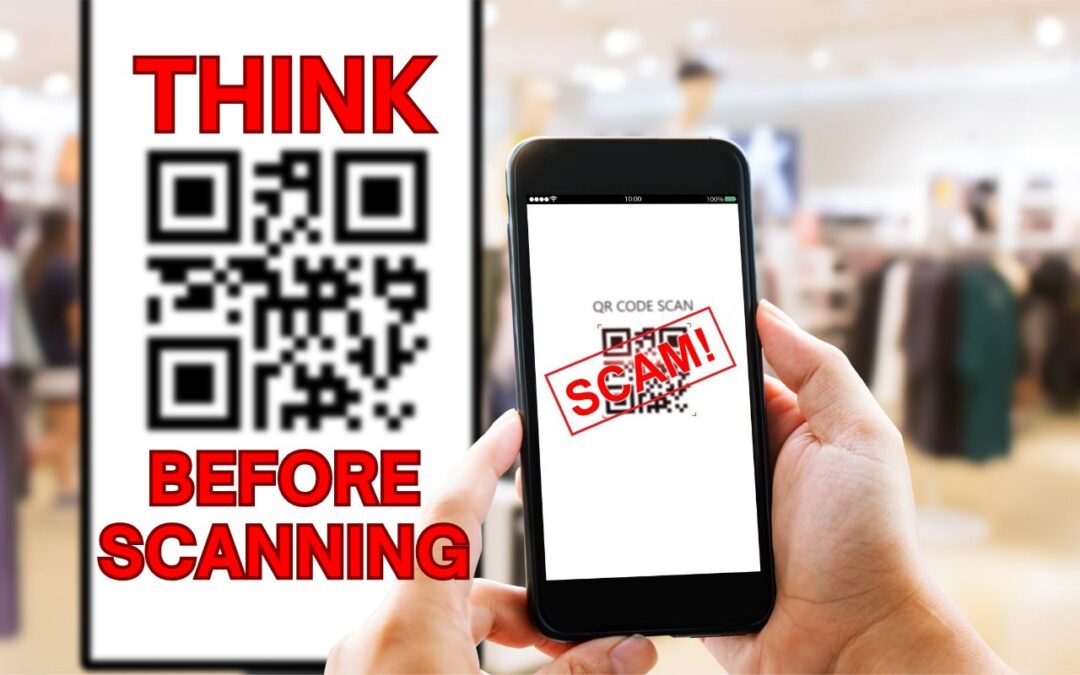
QR codes, those square, blocky codes you scan with your iPhone’s camera to load a Web page, have become ubiquitous. So much so that we seldom pause before scanning any QR code we see. But if you think about it, that’s the same as clicking random links in emails or texts, which is a terrible idea from a security perspective. “Quishing” (QR code phishing) isn’t commonplace yet, but some sources say there are thousands of cases per month. To avoid falling victim to a quishing scam, only scan QR codes from trusted sources, try to verify what a code will do once scanned, and evaluate the yellow URL preview Safari provides (when using other browsers, all you see is Open in Browser Name). Finally, always install iOS security updates promptly because they often address vulnerabilities that could be exploited with malicious data.

(Featured image based on an original by iStock.com/B4LLS)
Social Media: QR codes—those blocky squares you scan with your iPhone camera—are an easy way to open a Web page. Unfortunately, scammers also use them to trick people into visiting malicious websites, so read our tip about scanning these codes safely.
by Steve Sorbo | Jun 3, 2024 | Uncategorized
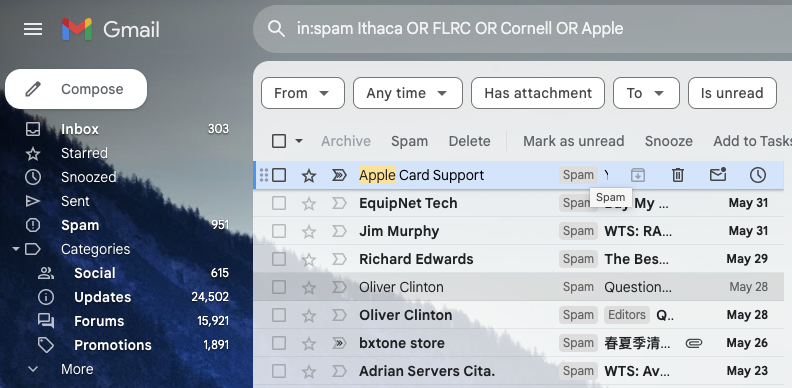
Spam filters work pretty well—99% of the messages in your spam mailbox are probably spam. But it’s frustrating to miss an important message that was caught by an overeager spam filter. Here’s an easy way to find many good messages, also known as “ham,” amidst all the spam. Think of keywords that might appear in legitimate email to you: the name of your city, major employers in your area, nearby colleges, companies whose products you use, their products, and so on. Then search for those terms inside your spam mailbox, either one at a time or, if your email app supports it, as a single search with OR statements for each keyword, like this Gmail search (use your actual town name and so forth): in:spam townName OR employerName OR clubName OR companyName. Of course, your keywords will appear in some spam messages, but if the searches reveal ham messages you would otherwise have missed, they’re worthwhile. Be extra cautious around any message that wants you to click a link, log in, or provide private information. The fact that your spam filter caught a message is a red flag.
(Featured image by iStock.com/Igor Kutyaev)
Social Media: Rather than frequently skimming your entire spam mailbox for incorrectly captured messages, try searching for specific keywords that are likely to appear in legitimate email.

Recent Comments