by Steve Sorbo | Oct 1, 2024 | TCN Content
All those data breaches are coming back to haunt us. Once our phone numbers and addresses began to be leaked, it was only a matter of time before scammers would personalize their attacks to make them seem more real. The latest “sextortion” scams purport to have compromising video of you taken from your computer’s webcam, backing it up with your phone number and a Google Street View-like image that matches your leaked address. They make a lot of claims and dire-sounding threats, but talk is cheap, and there’s nothing behind them. Do not pay the scammers!

(Featured image by iStock.com/Thapana Onphalai)
Social Media: Scams are starting to incorporate personal information stolen in data breaches, so you may get “sextortion” threats that purport to know your phone number, address, and more.
by Steve Sorbo | Oct 1, 2024 | TCN Content
Do you worry about family members with whom you’re otherwise happy to share your iPhone passcode reading your private diary in a journaling app? Or perhaps you want to keep your child out of apps where they could cause mischief. A new feature in iOS 18 and iPadOS 18 lets you use Face ID or Touch ID to restrict access to specific apps, optionally hiding them in the process. Touch and hold the app’s icon on the Home Screen, and tap Require Face/Touch ID. When prompted, either tap Require Face/Touch ID to leave the app’s icon visible on the Home Screen but restrict access or tap Hide and Require Face/Touch ID to restrict access and hide the icon. Protected apps only open after you authenticate with Face ID or Touch ID; hidden apps can be accessed only from the Hidden folder in the App Library after authenticating. (To reach the App Library, swipe left repeatedly on your Home Screen, then scroll to the bottom to find the Hidden folder.)

(Featured image by iStock.com/SasinParaksa)
Social Media: Keep prying eyes—or mischievous children—out of sensitive or important apps by requiring Face ID or Touch ID access before the app opens. You can also hide such apps so they appear only after you authenticate.

by Steve Sorbo | Sep 3, 2024 | TCN Content
Although paying attention to online security is of primary importance, don’t forget local security. You don’t want to go out for lunch and let someone wandering by your office poke through your email, messages, photos, and private files. To ensure this doesn’t happen, set your Mac to start the screen saver or sleep the display after a few minutes (on a laptop, just close the lid), and then set “Require password after screen saver begins or display is turned off” to a short duration. We recommend 1 or 5 minutes, though you can adjust to balance inconvenience against security. To eliminate the fuss almost entirely, use Touch ID or an Apple Watch to unlock your Mac without having to type your password.

(Featured image based on an original by iStock.com/Armastas)
Social Media: Don’t forget about local security on your Mac. Make sure to require a password shortly after the screen saver starts or the display sleeps to prevent people from riffling through your email, photos, messages, and more.
by Steve Sorbo | Sep 3, 2024 | Uncategorized
We’ve written in the past about how Apple-only companies can protect themselves from ransomware (strong security, isolated backups, monitoring software), but realistically, it’s primarily a threat to computers running Windows and Linux. If you, or anyone you know, is targeted by ransomware, look to the No More Ransom website, developed by Europol’s European Cybercrime Centre and the Dutch police, for advice and tools. The advice boils down to: “Don’t pay the ransom because it proves to the criminals that ransomware works, and there’s no guarantee it will solve your problem.” On the tools side, the Crypto Sheriff helps identify the type of ransomware in play, and No More Ransom provides decryption tools for 180 different forms and variants of ransomware. There are no guarantees, but anyone who has fallen prey to ransomware should start with No More Ransom.

(Featured image based on original by iStock.com/Suebsiri)
Social Media: Ransomware primarily affects Windows and Linux computers, but if you, or anyone you know, falls prey to it, visit the No More Ransom website for advice and decryption tools.
by Steve Sorbo | Sep 3, 2024 | Uncategorized
A few months ago, news broke about the latest massive data breach, this time from a company called National Public Data, a company that collects vast amounts of personal data about individuals from public data sources, including addresses, employment history, criminal records, and Social Security numbers. NPD then sells access to that data to employers conducting background checks, landlords screening potential tenants, banks verifying loan information, and more.
Unfortunately, NPD’s data security was lax, with the company publishing its own passwords in a file that was freely available from its homepage. How many people are affected remains unclear, though it seems likely to be hundreds of millions, if not the three billion reported by some outlets. Precisely what is included in the breach varies by person, but it includes names, physical addresses, phone numbers, dates of birth, and Social Security numbers for many. Email addresses may be included as well.
Put bluntly, this is terrible. It’s bad enough when a firm to which you’ve entrusted your data suffers a breach, but no one affected by the NPD breach had a relationship with the company. NPD was just hoovering up everything it could find and reselling it. NPD is far from alone in this field—numerous other companies do the same thing, and some of them have also suffered data breaches.
What can you do? Honestly, not much. Your data appeared in the breach through no fault of your own, so apart from generally trying to keep the amount of your personal data available online to a minimum (watch social media in particular), nothing you do will make a big difference.
You might be tempted by services that promise to “scrub the Internet!” of your data at people-search sites, but a Consumer Reports study found that they were largely ineffective, working for only about a third of the profiles tested. (The study was admittedly fairly small.) The best of the services was effective less than 70% of the time, and manually opting out at each site was slightly more effective. Plus, the study only looked at sites that offer opt-out options—with companies like NPD, there’s no way to know if they have your data or will remove it if asked.
However, several sites will now tell you if your data was included in the NPD breach, including npdbreach.com and npd.pentester.com. Keep in mind that both come from companies that also offer data removal services, although neither were included in the Consumer Reports study.

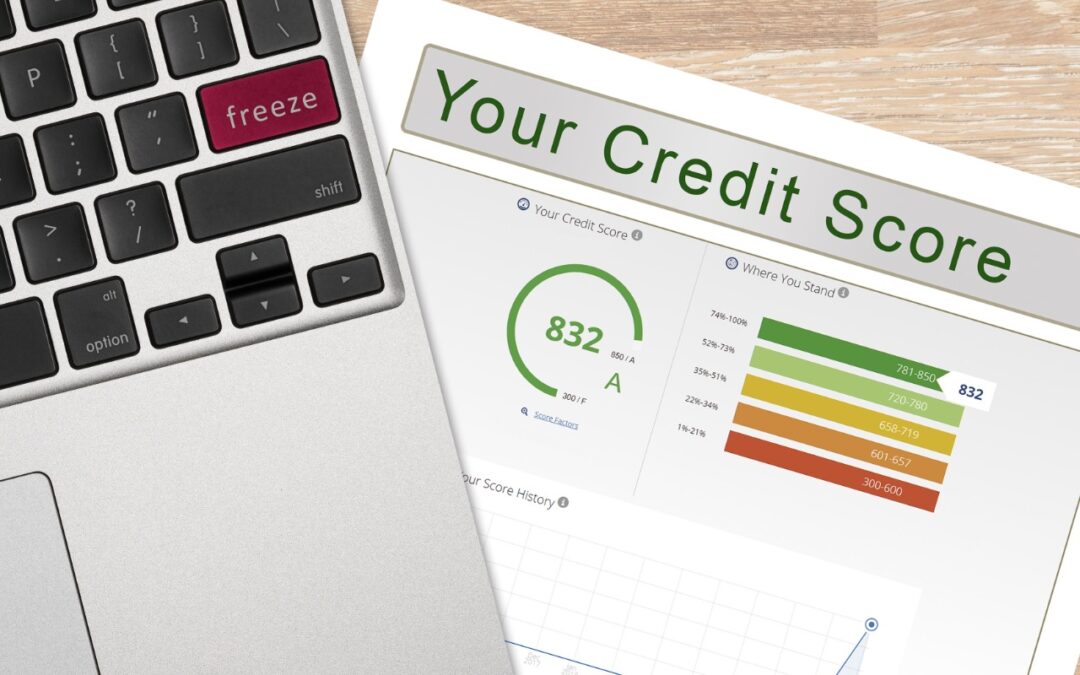
Breached companies will often offer free credit monitoring services to affected customers. That’s highly unlikely to happen with NPD because it has no business relationship with the people whose data it lost. But there’s a better approach anyway: placing a freeze on your credit reports. Doing so is free and prevents an identity thief from opening new financial accounts in your name by blocking access to your credit file from prospective creditors. Freezing your credit report has no impact on your credit score.
However, before you freeze your credit reports, check them to ensure they’re accurate. You can get free weekly credit reports from all three credit bureaus at AnnualCreditReport.com, authorized by the federal government, which also offers other useful information about protecting yourself from identity theft. If you discover any mistakes, work with the credit bureau to resolve them.

Once you’ve checked your credit reports, you can freeze them, which you need to do with each of the three credit bureaus:
Security freezes remain in place indefinitely, and many people can leave them that way. However, you’ll need to remove the freeze temporarily if you plan to rent a new apartment or house, take out a loan, apply for a credit card, set up a new mobile phone plan or utility account, apply for a new job, or undergo a background check. All three services provide such a capability online, or you can contact them via phone or postal mail, as mentioned above. It can be hard to think about removing a freeze proactively, so if something that might involve checking your credit score fails unexpectedly, remember the freezes. You might even make an annual reminder in your calendar so you don’t go too long without remembering.
It’s a shame that data breaches have become a fact of life, but that’s unavoidable without significantly stronger privacy regulations that prevent large companies from unnecessarily storing personal data and punishing them when they don’t protect it effectively.
(Featured image by iStock.com/BackyardProduction)
Social Media: Hundreds of millions of people had their names, addresses, and Social Security numbers revealed in the massive NPD breach. There isn’t much you can do to protect yourself, but we explain the one thing everyone should do.

Recent Comments