by Steve Sorbo | Feb 3, 2020 | TCN Content
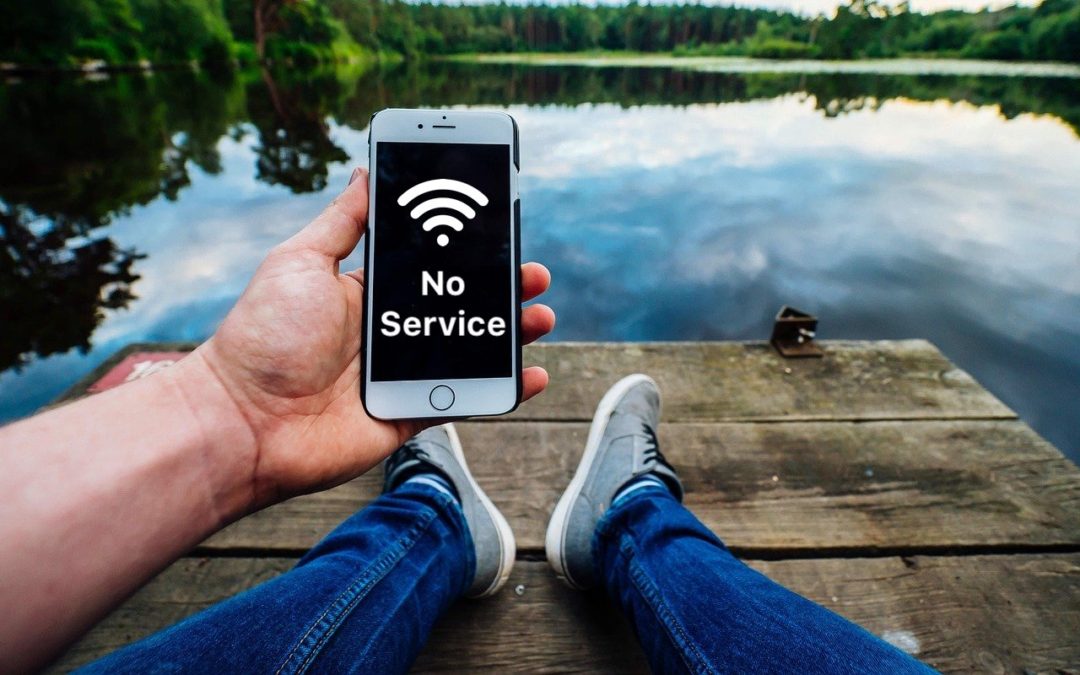
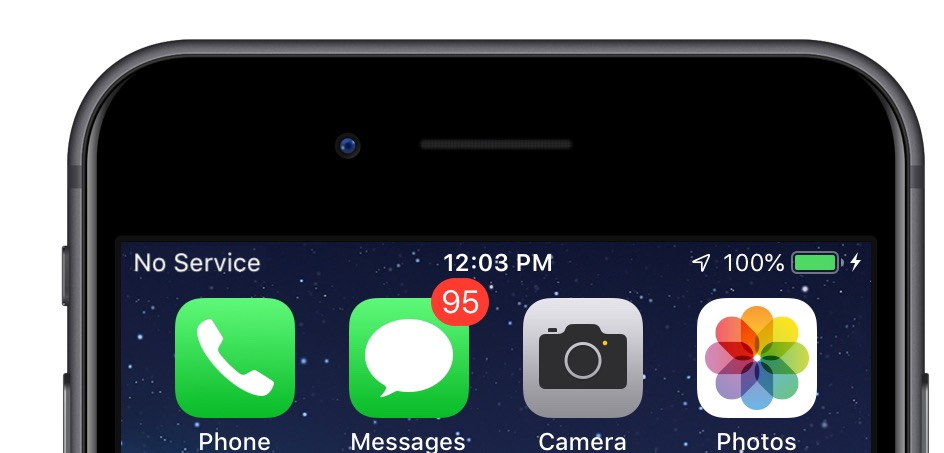
Have you ever seen the dreaded “No Service” label at the top of your iPhone’s screen, even when you’re pretty sure there should be cellular reception? It’s not common, but the iPhone’s cellular radio can occasionally get confused. Luckily, you can easily fix the problem. Open Control Center (swipe down from the upper-right corner on an iPhone X or later or an iPad; or up from the bottom on an earlier iPhone) and tap the airplane icon to put the iPhone in airplane mode. That turns off the cellular radio. Wait a few seconds and tap the airplane icon again to re-enable the cellular radio. If that doesn’t work, power-cycle your iPhone by holding the side or Sleep/Wake button until you see the Power Off slider. Slide it to turn the iPhone off, then press and hold the side or Sleep/Wake button again until the iPhone restarts.
(Featured image based on an original by Pexels from Pixabay)

by Steve Sorbo | May 1, 2018 | TCN Content
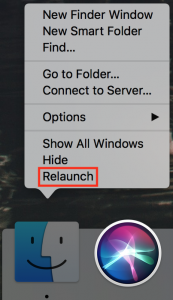
Finder freezes. They shouldn’t happen at all, and they don’t happen often, but it’s not unheard of for your Mac’s Finder to freeze, freak out, or otherwise stop responding properly. To bring it back to life, hold down the Option key, click and hold the Finder icon in the Dock, and choose Relaunch. (If the “click and hold” action feels odd, you can instead hold down Control and Option, and then just click.) In theory, you should be able to keep working normally after the Finder relaunches, but we recommend restarting your Mac afterward just to be safe.

by Steve Sorbo | Apr 2, 2018 | TCN Content
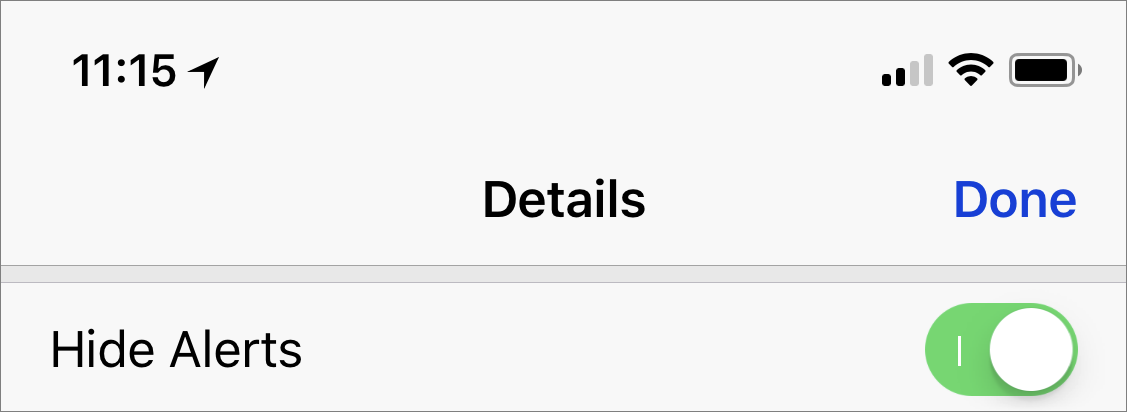
A client got in touch recently with a maddening problem. When he received texts on his iPhone, Messages displayed notifications for messages from everyone…except his wife! Needless to say, this was a problem. Since notifications appeared correctly for other people, it wasn’t related to overall settings. It turned out that he—or someone else, or iOS gremlins—had inadvertently enabled the Hide Alerts switch for the Messages conversation with his wife. To fix it, all he had to do was display the conversation in Messages, tap the i button at the upper right, and disable Hide Alerts. (In the Mac version of Messages, click the Details button and look for the Do Not Disturb checkbox.) It’s a good feature designed to let you mute a chatty group conversation, but it can cause stress if applied to the wrong conversation accidentally.

Recent Comments